Smart EV Charger Wi-Fi Troubleshooting
Wi-Fi drops, blinking lights, firmware loops — what each symptom usually means, and the safe steps to try before calling for help.
A smart EV charger that will not stay on Wi-Fi is frustrating in a specific way: the car still charges, but the app stops working, schedules stop syncing, and firmware updates stop arriving. Smart EV charger Wi-Fi troubleshooting is one of the most-searched topics in home charging, and the ChargePoint Home Flex in particular generates a large share of it — blinking lights, Wi-Fi drops, firmware loops and factory resets. This guide covers the common symptoms and the safe steps to try, in general informational terms.
An important note first: this is informational guidance, not brand support. We do not provide warranty support for ChargePoint, Tesla, Wallbox, Emporia or any other maker, and we cannot promise a fix for a specific unit. What we can do is explain what the symptoms usually mean, what is safe to try at home, and when the problem is electrical rather than Wi-Fi — and when to book a repair diagnosis instead of resetting the unit again.
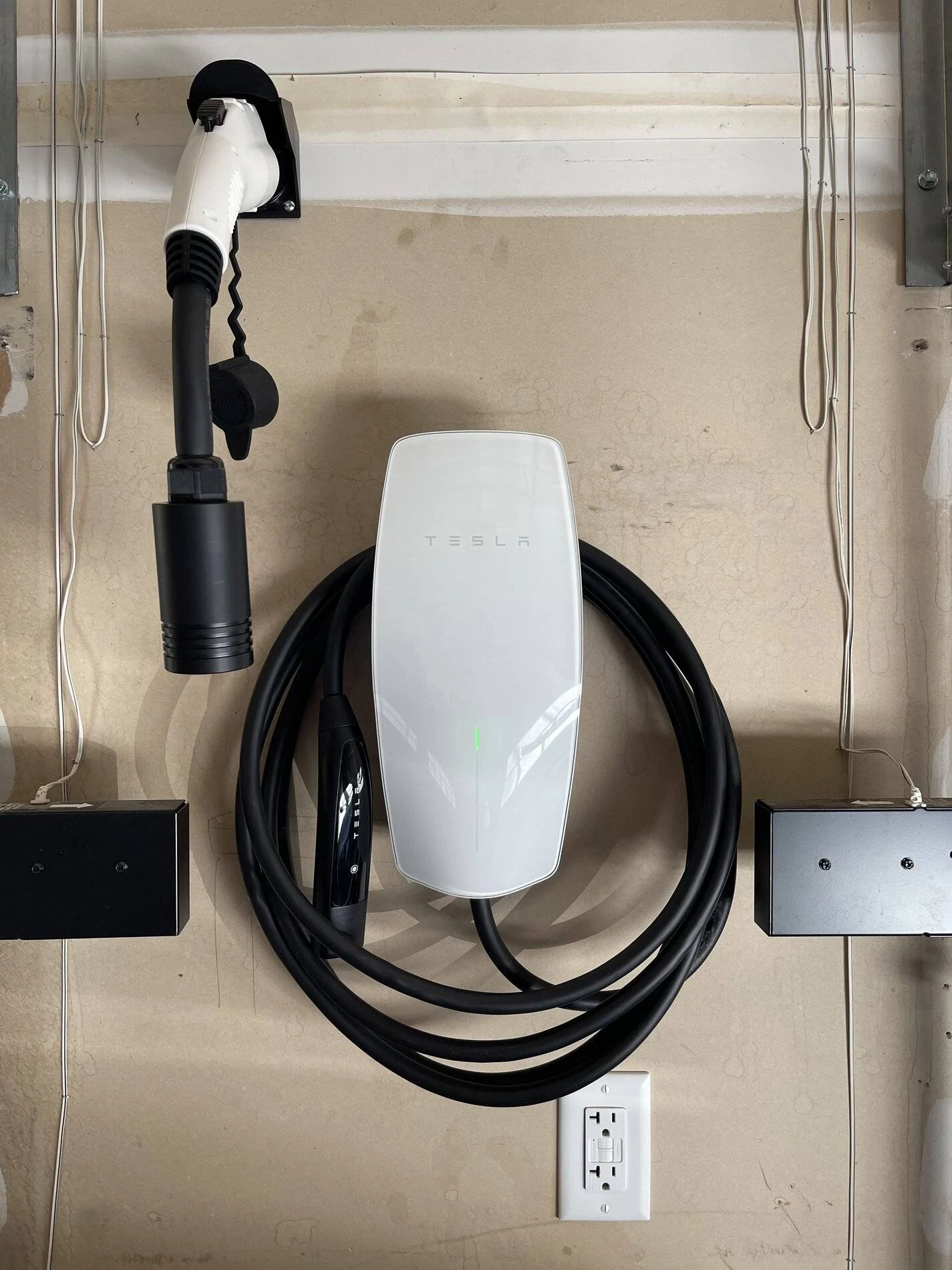
First, does the charger still charge without Wi-Fi?
Yes — and that is the most reassuring fact in this guide. A smart charger charges without Wi-Fi. Plug in and it charges, on its default behaviour, even with no network connection at all. Wi-Fi enables the smart features: firmware updates, scheduling from the app, energy tracking, power-sharing and access control. Losing Wi-Fi is an inconvenience, not an emergency — your car will still be full in the morning. That distinction matters, because it means you can troubleshoot calmly rather than at midnight before an early departure.
It also helps you diagnose. If the car charges normally but the app shows the charger offline, the problem is the network, not the charger or the circuit. If the car does not charge at all, or the charger shows a red fault light, the problem is electrical or hardware — and Wi-Fi troubleshooting will not fix it. Start by separating those two cases, and you will save yourself a lot of wasted resets.
ChargePoint Home Flex: blinking lights, Wi-Fi and firmware
ChargePoint Home Flex light meanings are the starting point for most troubleshooting: green generally means ready, blue generally means charging, and red generally means a fault. A pulsing or blinking light usually means the unit is trying to connect, updating firmware, or waiting for setup. The exact patterns vary by model and firmware version, so check your charger's manual for the precise meaning of the pattern you see — the manual is the authority, not a forum post. If a red fault persists after a power cycle, book a repair diagnosis: it can indicate a ground fault or a hardware issue, and repeated resets will not fix it.
Wi-Fi drops on a Home Flex usually trace to one of three causes: a weak garage signal, a 2.4GHz versus 5GHz mismatch, or pending firmware. Garages are often at the edge of a home's Wi-Fi coverage, behind concrete block walls that attenuate the signal — and Central Florida block construction is particularly good at blocking Wi-Fi. A mesh node or access point near the garage usually fixes it. The 2.4GHz versus 5GHz question matters because many chargers connect on 2.4GHz only, and a router that steers devices to 5GHz can leave the charger unable to join. And a firmware update that is stuck or pending can leave the unit in a loop that a factory reset clears.
Factory reset and the breaker cycle: when and how
A factory reset — via the app or a breaker cycle, following the manual for your specific model — fixes most pairing loops and stuck firmware states. The safe procedure is to follow the manufacturer's instructions exactly: power the unit down at the breaker, wait, power it back up, and re-run setup in the app. Do not guess at button sequences from a video for a different model; the reset procedure varies, and the wrong sequence can leave the unit in a worse state. And do not factory-reset repeatedly: if two resets do not fix it, the problem is not a pairing loop.
One caution: a breaker cycle is safe, but opening the charger or the panel is not a homeowner job. If the reset does not work, or if the unit shows a red fault, trips the breaker, or smells hot, stop and book a diagnosis. The same applies to any charger, not just ChargePoint: Tesla Wall Connector, Wallbox, Emporia and Grizzl-E all have their own reset procedures in their manuals, and the principle is the same — follow the manual, reset once or twice, and call for help if it does not work.
Wi-Fi signal in the garage: the real fix
Most “charger Wi-Fi problems” are actually “garage Wi-Fi problems”. The charger is doing its job; the network is not reaching it. Test the signal properly: stand at the charger with your phone and check the Wi-Fi strength and speed. If your phone struggles there, the charger will too. The fixes, in order of cost: move a mesh node closer to the garage, add an access point in or near the garage, or run a wired connection if the charger supports it. A mesh node in the room adjoining the garage is often enough, and it improves the Wi-Fi for everything else in the garage too.
The 2.4GHz question deserves a specific check. Many smart chargers connect on the 2.4GHz band only, because it travels further through walls than 5GHz. If your router combines both bands under one network name and steers devices automatically, the charger may fail to join or may drop off. Creating a separate 2.4GHz network name for the charger — or temporarily disabling band steering during setup — usually resolves it. Your router's manual or your internet provider can help with that setting; it is a network configuration question, not a charger fault.
When Wi-Fi troubleshooting is the wrong job
Wi-Fi troubleshooting is the wrong job when the symptom is electrical. A charger that trips its breaker, shows a persistent red fault, feels hot, or smells of burning has an electrical or hardware problem, and no amount of Wi-Fi resetting will fix it. Our tripping-breaker guide covers the electrical causes, and a repair diagnosis is the right next step. The same applies to a charger that has stopped receiving firmware updates entirely and whose app no longer recognises it: it may have reached the end of manufacturer support, and our replacement guide covers the decision.
And a final note on expectations: we provide informational troubleshooting guidance and repair diagnosis for the electrical side, but we do not provide brand warranty support. If your charger is under warranty and the fault is in the unit, the maker is the right first call — and our diagnosis can give you the evidence to take to them. A typical Level 2 install in Orlando runs $800–$2,500 including the charger; a Wi-Fi fix is usually free or a mesh node, and a repair diagnosis is far cheaper than a replacement you did not need.
Questions Homeowners Ask Us
Does a Tesla Wall Charger need Wi-Fi?
No — it charges without Wi-Fi. Wi-Fi enables firmware updates, power-sharing and access control. The same is true of most smart chargers: charging works offline, smart features need the network.
Why does my ChargePoint Home Flex keep dropping Wi-Fi?
Usually a weak garage signal, a 2.4GHz vs 5GHz mismatch, or pending firmware. Check the signal at the charger with your phone, confirm the charger is on a 2.4GHz network, and check for a firmware update.
What do the ChargePoint Home Flex blinking lights mean?
In general terms: green means ready, blue means charging, red means a fault. Exact patterns vary by model and firmware — check your manual. A red fault that persists after a power cycle needs a repair diagnosis.
Ready to Get Your Charger Installed?
Every quote starts with a free on-site assessment and load calculation. Call (407) 555-0134 (placeholder) or visit our contact page to book your survey.
Related services: EV charger repair & maintenance, Level 2 EV charger installation, Tesla Wall Connector installation.
Related guides: Tesla Wall Connector ownership guide, EV charger keeps tripping breaker, EV charger maintenance guide.
Service areas: Lake Nona, Dr. Phillips — and all areas on our service areas page. Back to the EV charger guides hub.